Implementing HCM and HR ERP modules: a CHRO and HR VP's guide
10 HR modules stand between you and a payroll people trust. What to get right in each, why adoption is the ROI, and what AI changes under the new hiring rules.
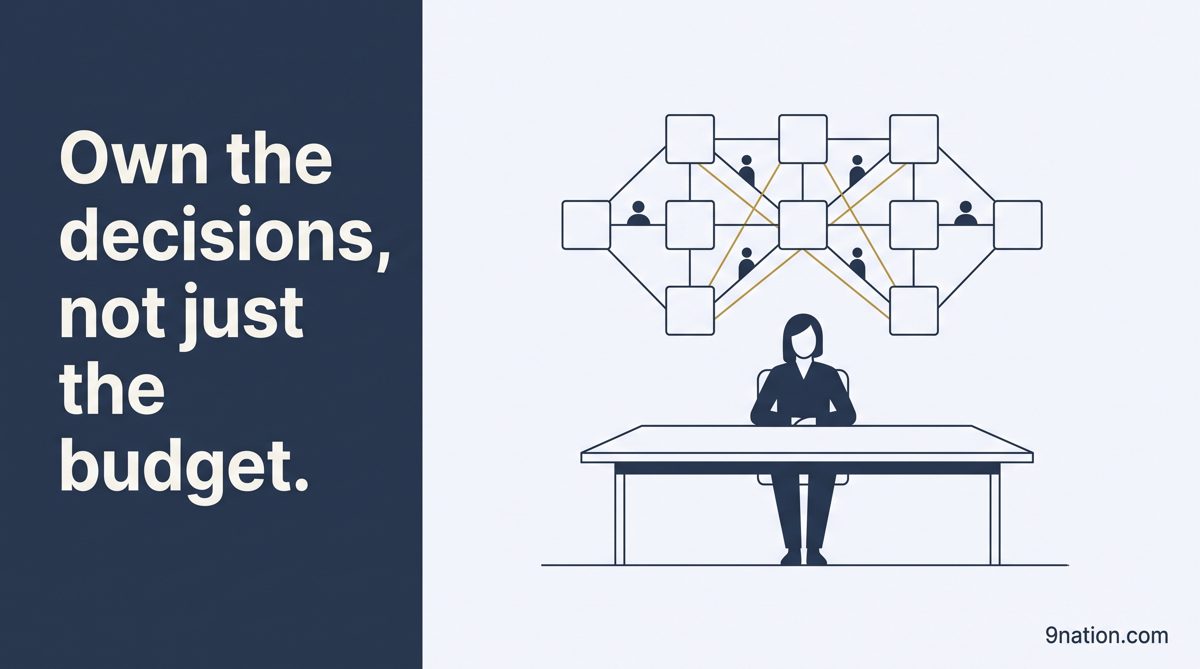
Ten modules, one workforce, one owner. The decisions in this guide belong to HR.
Here's the number that should keep a CHRO up at night. 64% of employees have felt financial stress from paycheck errors or delays. If the problems continue, 53% would consider leaving.
That's the real stake in an HR systems program. The software mostly works. HR technology satisfaction is falling, and when people give a poor rating, the top reason is customer service. Missing features rank below it. What fails is the experience around the system: adoption, worker data and pay.
So I'll walk the HR stack module by module: what to get right, where each one breaks, and one concrete Workday or Oracle detail per module. The discipline is the same on SAP or anything else. The field notes are mine, anonymized.
The one idea to hold onto
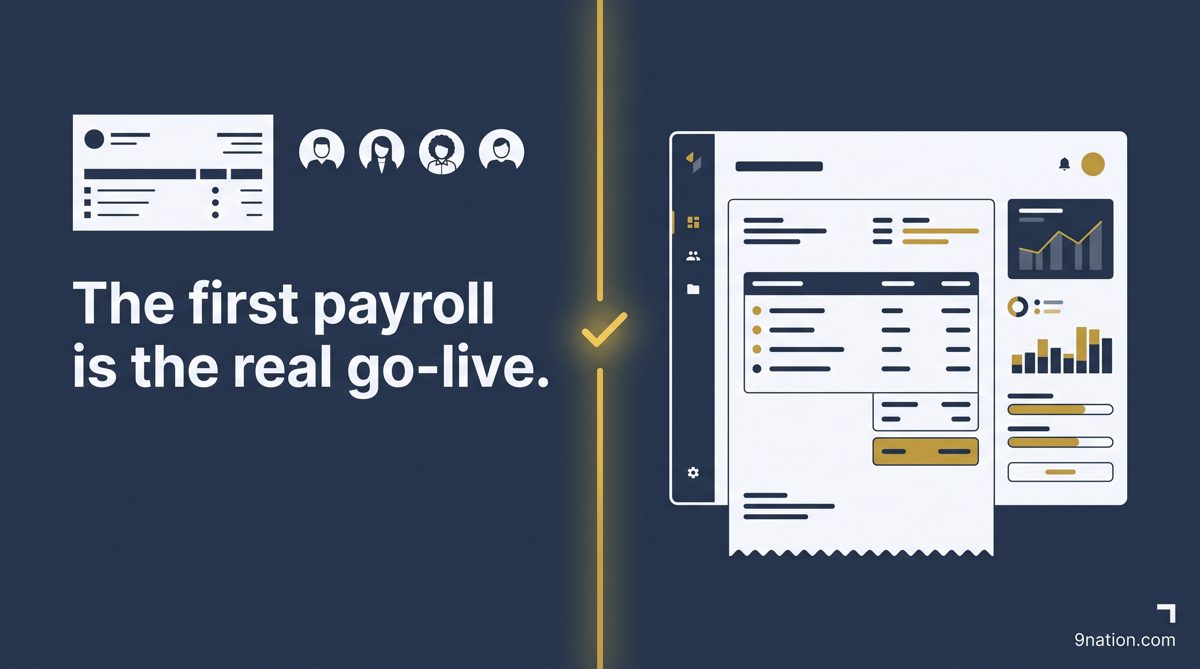
Employees judge an HR system. If people can't find their pay stub or their manager can't approve a change, the platform "failed," however clean the config. Own the decisions that belong to HR, prove readiness with numbers, and treat the first payroll as the real go-live.
AStStakes
A · Stakes
What's really on the line
The risk in an HR program sits in three places: adoption, worker data and pay. Payroll is the unforgiving one. You can't move a pay date, and a wrong check is visible the same day.
The trust cost is steep. Those first two numbers come from a 2025 HiBob survey of 2,000 U.S. employees, and the same survey found 21% had lost trust in their employer. A system people don't trust pushes them out, and then the bill arrives: replacing one employee can cost from one-half to two times their annual salary, according to Gallup.
64%have felt financial stress from paycheck errors or delays
53%would consider leaving if the problems continue
21%had lost trust in their employer
The move
Put HR and payroll leaders on the steering committee with named accountability from week one. The late functional voice is the expensive one. On one program, bringing a function in a few months before go-live forced changes that delayed the launch by 3 months and cost more than $8 million.
From the field
The report list lies about its own size. On one program, 400 critical legacy reports collapsed to 90 once we checked them against the run logs. Nobody asked for the other 310 again. You don't have to rebuild what no one uses.
BDsDeployment shape
B · Deployment shape
Pick the deployment shape early
A big-bang go-live flips the whole organization at once. A phased approach sets several smaller go-lives, usually Core HR first, then the rest. For HR the call turns on three things: how many countries you run, how complex payroll is, and how much change your managers can absorb at once.
Big-bang or phased is a risk trade. Load Core HR first either way, because it's the spine every other module reads from.
Big-bangOne date, no net
Phased or waveA contained blast radius
Fits
One country, simpler payroll, one culture
Many countries, complex payroll, global
Change
One large shock for everyone to absorb
Smaller and sequenced, with better adoption
Risk
One date carries the whole organization
You learn on a small footprint first
Payroll
Every population goes live at once
Can follow Core HR, country by country
Rollback
Little room
Reattempt on the next wave
The move
Don't let a phased program run forever. Every extra year on a large IT project adds about 15% to the cost overrun. Cluster countries by business model and legal complexity, take a hard one early, and land each wave before you move.
From the field
The dirt is worse than discovery admits. On a recent program, 10% of the active worker records were duplicates or carried termination dates that contradicted payroll history. That's compliance and payroll-tax exposure. It surfaced in profiling; the demo never showed it.
1 to 10 · The modules
Ten modules, and almost every one ends at a seam
Each HR module has a handful of decisions that decide whether it works. Almost every one ends at one of the same two seams: the handoff to payroll, or the feed to an outside party like a benefits carrier. They fall into six groups: the system of record, talent, comp and benefits, time and absence, gross to net, and insight.
Group I · System of record
Get the foundation right before anything else
The organization model is the decision every other module inherits. Get it wrong and you pay for it in security, workflow, reporting and pay, for years.
In Workday, the anchor is the supervisory organization. Workers report into it, and it drives security, routing and org charts. You also choose a staffing model per org: position management, where a seat persists after the incumbent leaves, or job management, where there's no fixed seat. That choice decides whether headcount is controlled by approved positions or driven by managers.
In Oracle, the foundation is the enterprise structure, and the legal employer is the entity responsible for payroll and statutory compliance in each country. Get the legal-entity map wrong and you re-implement once payroll goes live. Two more decisions matter: effective-dating rules for who can enter retroactive changes, and security designed with the org from the start.
1ICrCore HR
Core HR
Covers
The system of record for the worker.
Get right
The org model, position vs. job, the legal-employer map, effective dating and security.
Watch for
Copying the old org chart, which over-complicates routing.
Workday
Runs every action as a configurable business process.
Oracle
Bulk-loads worker and org data through HCM Data Loader.
The move
Design security and the org model together. Avoid broad, unconstrained access where a scoped one will do. Least privilege tied to the hierarchy is the control.
From the field
One security role stalled testing for a week. An end-to-end test cycle once stopped for a full week because a single role exposed compensation data far wider than intended. Every script that touched pay had to pause. The build was fine; the role design was the problem.
Group II · Talent
Recruiting, talent and learning: settle the process before the config
2IIRoRecruiting and Onboarding
Recruiting and Onboarding
Covers
Requisition to hire, then accepted offer to a productive first day.
Get right
The stage model, offer approvals and day-one provisioning.
Watch for
Too many stages, and onboarding built as forms with no wiring to IT.
Oracle
Replaced its legacy Checklists and Onboarding with Journeys as of update 25A, so new builds go on Journeys.
3IITmTalent Management
Talent Management
Covers
Performance, goals, succession and the skills foundation.
Get right
The review philosophy, before the config. Give skills data a maintenance owner.
Watch for
Automating a process no one trusts. It just makes the distrust faster.
Workday
Ties it together with Skills Cloud and an internal Talent Marketplace.
4IILnLearning
Learning
Covers
The catalog, compliance training and development content.
Get right
The taxonomy and the compliance-assignment logic. Plan for content retirement.
Watch for
Migrating the entire legacy catalog.
Workday
Drives required training through learning campaigns.
Oracle
Types learning items as Course, Specialization, Tutorial and Video.
Group III · Comp and benefits
Comp and benefits go wrong in the cycle test and the carrier feed
5IIICpCompensation
Compensation
Covers
Base pay structures and the merit, bonus and equity cycles.
Get right
Grades and ranges first, then eligibility and the review event.
Watch for
Testing the comp cycle too late. Budget rollups and proration are the classic surprise.
Workday
Assigns eligibility to a compensation package.
Oracle
Runs it off eligibility profiles, with a fast-formula fallback.
6IIIBnBenefits
Benefits
Covers
Plan setup, open enrollment, life events, and the carrier and payroll feeds.
Get right
The plan hierarchy, the deduction bridge to payroll and the carrier feeds.
Watch for
Carrier-feed reconciliation. It throws errors every cycle.
Workday
Ships Cloud Connect for Benefits on the ANSI 834 standard.
Oracle
Produces a carrier XML per plan and can route it through a transformation partner.
Group IV · Time and absence
Time and leave only pay once they're mapped to payroll
7IVTtTime Tracking
Time Tracking
Covers
Capturing worked time and turning it into payable time.
Get right
The codes, the calculation rules and the mapping to payroll earnings.
Watch for
A mapping error. Only calculated time pays.
Workday
Calculation tags map calculated time to earnings.
Oracle
Global Payroll is registered as a time consumer that transfers approved time.
8IVAlAbsence and Leave
Absence and Leave
Covers
Accruals, time off and statutory leave.
Get right
The accrual design, the statutory rules and the payroll interface.
Watch for
Absence that's never wired to a payable element, so it displays but never pays right.
Oracle
You attach an absence element and set "Transfer absence payment info for payroll processing."
Group V · Gross to net
Payroll is the highest-risk module
9VPyPayroll
Payroll
Covers
The gross-to-net engine.
Get right
Gross-to-net, tax, garnishments, pay groups and retro.
The law
Garnishment rules come from statute. Ordinary garnishment is capped at the lesser of 25% of disposable earnings or the amount above 30 times the federal minimum wage.
Watch for
Multi-state tax left half done.
Workday
Recalculates retro without rerunning the whole payroll.
Oracle
Puts calculation logic in fast formulas attached to elements.
Analytics is only as good as the data model under it
10VIPaPeople Analytics
People Analytics and Workforce Planning
Covers
Turning HR data into insight, and modeling the workforce ahead.
Get right
The data model, a real skills taxonomy and headcount planning.
Watch for
Analytics built on a shaky data model.
Workday
Separates Prism Analytics, the data hub, from People Analytics, the insight layer. Keep the two distinct when you scope.
Across all ten
The move
Fund the payroll and carrier interfaces as a first-class workstream from day one. When an HR program blows up in public, it's almost always at one of those handoffs. The front-end screens are rarely the cause.
From the field
No owner, so the loads kept failing. On one program, worker and organization loads kept failing during conversion. The software was fine. No single person owned the validation rules across the modules, so every team assumed another had it. We named one owner, put a date on each item, and the failures stopped. The fix cost nothing.
CCvConversion
C · Conversion
Convert the worker data, then reconcile the headcount
Data readiness takes more than "migration done." It means clean data, named owners, and a headcount that ties out to the legacy system to the person. Load in dependency order: org structures, then worker records, then dependent data like benefits elections and accrual balances.
Opening state or full history
Opening state plus balancesThe default
Convert full historyRare
Loads
Current workers, positions, comp, elections, balances
Years of performance, comp and event history
Risk
Faster, cleaner, easy to reconcile
Slow, error-prone, hard to reconcile
History
Stays in an accessible archive
Lives in the new system, with a real need to justify it
Reconcile with real rigor. Headcount has to tie out exactly, and so do accrual and leave balances. Validate calculated fields like years of service and PTO balances, because that's where silent errors hide. Run at least two mock conversions, and resolve every exception or give it a documented, owned disposition before cutover.
The move
Set a numeric conversion gate: named owners per domain, headcount reconciled to the person, balances tied out, and a maximum exception count. Make it a go or no-go criterion that a status color can't satisfy.
DPlPayroll parallel
D · Payroll parallel
Payroll parallel is the gate you never shave
If there isn't enough time to run two or three real parallel cycles, you move the date. You don't cut the testing.
Run two to three cycles. One cycle hides cumulative tax effects, recurring deductions and cross-period timing. Set a data-accuracy entry criterion, freeze configuration during the window, and staff it with people who know pay. Test the back end too: the GL postings and accruals as well as the net check. Then research every variance to a reproducible root cause. A variance is closed when you can explain it, however small it is.
The move
Write the payroll go or no-go criteria before parallel starts, so nobody can redefine "done" under deadline pressure. Make the GL posting file an exit criterion. Run the first live cycle in heightened support.
EPvPrivacy
E · Privacy
Design privacy and security in from the start
HR holds the most sensitive data in the company: pay, health, ethnicity, performance. Who can see it is a design decision the CHRO owns. Collect the minimum you need, and hold it no longer than you must. Give special-category data extra protection, and anonymize diversity data where you can.
Security role design is the control. Payroll specialists, recruiters, HRBPs and IT should each see only what their duties require. Separate the person who initiates a pay change from the person who approves it. The design risk is over-broad access.
The move
Make least-privilege security a named design gate, reviewed with your privacy and audit partners before go-live. Confirm data-residency handling per country before any wave goes live.
FAiAI in HR
F · AI in HR
What AI actually does in HR today
AI in HR is real for drafting, answering, matching and explaining. It isn't ready to decide and act on its own. Every serious vendor keeps a human in the loop, and so should you.
The mature features are here now and low risk: drafting job descriptions and goals, an HR help desk that answers policy questions, interview scheduling, skills suggestions, and payroll anomaly explanations. The marquee "agents" are mostly landing through 2026. Workday's HR agents were announced for availability in 2026, Oracle's are described as planned, and SAP is rolling agentic features across SuccessFactors on its half-yearly cadence.
The adoption data says be selective. Gartner found 88% of HR leaders report no significant business value from AI tools yet, and only 8% believe their managers have the skills to use AI well. Employees are keener: Gartner's 2025 numbers have 65% of them excited to use it. Gartner also expects more than 40% of agentic AI projects to be canceled by the end of 2027, and an MIT study found 95% of enterprise AI pilots returned nothing measurable.
88%of HR leaders see no significant business value yet8%believe their managers have the AI skills65%of employees are excited to use it
Where HR AI earns its keep today
Real today
Still mostly a promise
JD and goal drafting, with a human editing
Autonomous candidate scoring as the sole basis
An HR help desk on your own policies
Unattended case resolution, end to end
Interview scheduling and skills suggestions
AI-run succession and promotion decisions
Payroll anomaly detection and explanation
An unattended, self-correcting payroll
HR AI also carries a legal layer finance doesn't. Hiring tools face bias-audit and disclosure rules. New York City requires an annual bias audit and candidate notice for automated employment decision tools. The EU AI Act treats hiring and HR AI as high-risk. In 2025 a nationwide age-discrimination collective action against an HR software vendor's screening tools was certified, on the theory that the vendor can be liable as an agent of the employer. The federal guidance has shifted; the statutes haven't.
The move
Turn on the embedded AI conveniences now, and scope the agents as fast-follow so go-live never depends on them. Govern each agent like a user, with role-based access and an audit trail. Run bias audits and give candidate notice where the law requires it.
GAdAdoption
G · Adoption
Adoption is the ROI
HR systems live or die on whether employees and managers actually use self-service. The value case assumes work moves from the HR service desk to the manager and the employee. If that shift doesn't happen, you bought a more expensive version of the old process.
Prosci's 12th-edition study, drawn from more than 2,600 practitioners in 2023, makes the case for funding this properly. Projects with excellent change management meet or beat their objectives 88% of the time. With poor change management, it's 13%.
Excellent change management88%
Poor change management13%
That's about seven to one, and in HR programs the swing lives with managers. Put a change agent on each team, train managers on why the change helps them, and measure adoption weekly.
The move
Fund change management as a workstream with its own lead and budget. Employees are already willing. Manager readiness is the gap.
From the field
Half the tickets, gone. The clearest win I've seen came from training. A client trained managers hard on self-service before go-live and cut HR's transactional ticket volume by about half in the first quarter. Adoption paid the bill.
HVaValue
H · Value
After go-live: the value and the numbers
Go-live is where the value story starts. Protect the core first: in the first 60 to 90 days, fix what breaks the day-to-day. Then chase the value. Move transactions to self-service, retire the shadow spreadsheets, and shut down the legacy tools on a fixed date.
Measure it with numbers a CHRO can defend:
Self-service ratio, the share of transactions employees and managers complete themselves
Payroll accuracy and corrections per period
Time to hire
Worker-data exception rate
Track each against the original business case, because large programs deliver 56% less value than promised unless someone measures and governs it.
The move
Attach the case to named KPIs with a baseline and a cadence: self-service ratio, payroll accuracy, time to hire and manager adoption. Review them monthly. A benefit no one measures doesn't get delivered.
Run the audits and give notice. New York City requires them, and the EU treats HR AI as high-risk.
The vendors are capable and the implementers are skilled. What they can't do is decide how your HR function should run, or make your managers use it.
The decisions belong to HR
An HR ERP program is a sequence of decisions that belong to HR: which modules, in what order, on what foundation, converted to what standard, tested how and adopted how. Make those calls early, prove readiness with numbers, and treat the first payroll as the real go-live. The rest is configuration.
Sources. External figures synthesize public research and documentation from Gartner, Gallup, McKinsey and the University of Oxford, Prosci, HiBob, EY, SHRM, Infosys, the U.S. Department of Labor, the NYC Department of Consumer and Worker Protection, and Workday and Oracle product documentation. AI capability claims cite Workday, Oracle and SAP announcements plus Gartner and MIT research. Field examples are drawn from real, fully anonymized enterprise programs. This article is general guidance. It isn't legal or accounting advice.
Free toolkit
Score your HR program module by module.
A pre-implementation readiness checklist across the whole program, plus a module-by-module quick reference: the common pitfall, the better move, and why it matters. Built to keep beside your program plan.
If your first payroll, your adoption and your compliance ride on getting these modules right, a candid review of the plan before the build is the cheapest insurance you'll buy.